AI meeting minutes, written for you
RecordBots listens to your online meeting, writes down every word, and then turns it into minutes: a short summary and a clear list of action items. You can share them, print them, or save them as a PDF.
From conversation to minutes
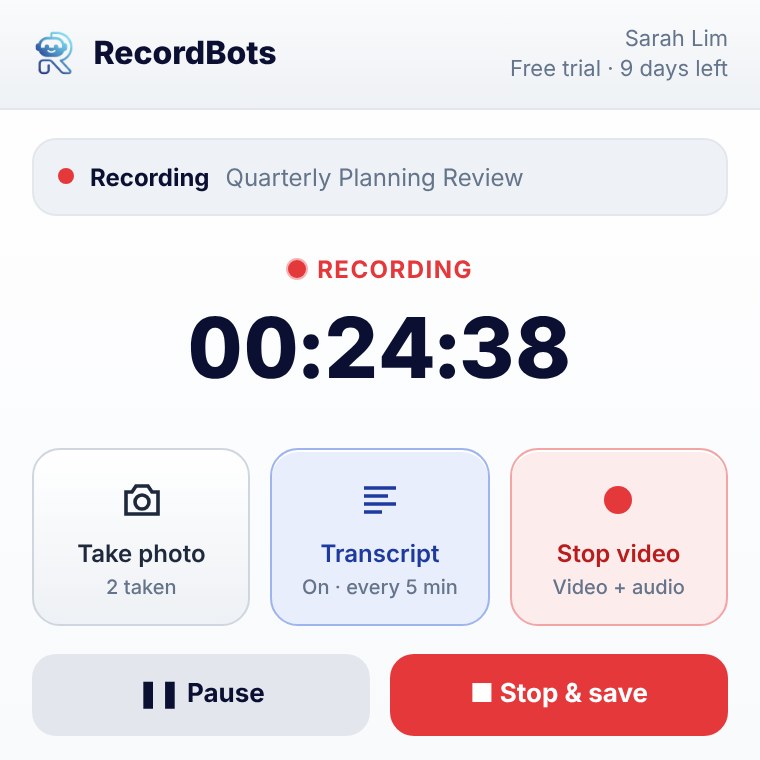
- Record the meeting in Chrome or Edge with one click.
- The words are written on your own computer while people speak.
- After the call, RecordBots writes the summary and action items with your own AI key from Groq, Google Gemini, OpenAI or Anthropic Claude.
- Edit anything you like, then print or save the minutes as a PDF.
Your own AI key keeps it fair and private
RecordBots does not charge per minute for AI. You add your own key once (Groq has a free plan), and the AI company bills you directly, if at all. If one key stops working, RecordBots uses your next key by itself, and tells you in plain words what to fix.
Ask AI about any meeting
Missed a part? Ask "What were the three decisions?" or "Who is doing the report?" in the Ask AI window. It answers from the meeting's own transcript. You can even paste a photo of a slide and ask about it.
Price
Try everything free for 30 days or 10 recordings, whichever comes first. No card needed. After that, plans start at $25.00 for 1 year, paid once. Nothing renews by itself. See all plans.
Questions
Do I need an AI key?
No. The transcript is free and included. A key is only needed for the automatic summary, action items and Ask AI.
Which languages are supported for minutes?
The transcript works in English, Bahasa Melayu, Mandarin Chinese, Tamil and many more. The summary is written by the AI you choose, which handles all of these.
Is it accurate?
Speech-to-text is very good but not perfect, especially with names and noisy rooms. Add your company's names and words in Recording settings so they are spelled right, and check the important parts.
Always tell people before you record a meeting. In many countries the law requires their agreement.